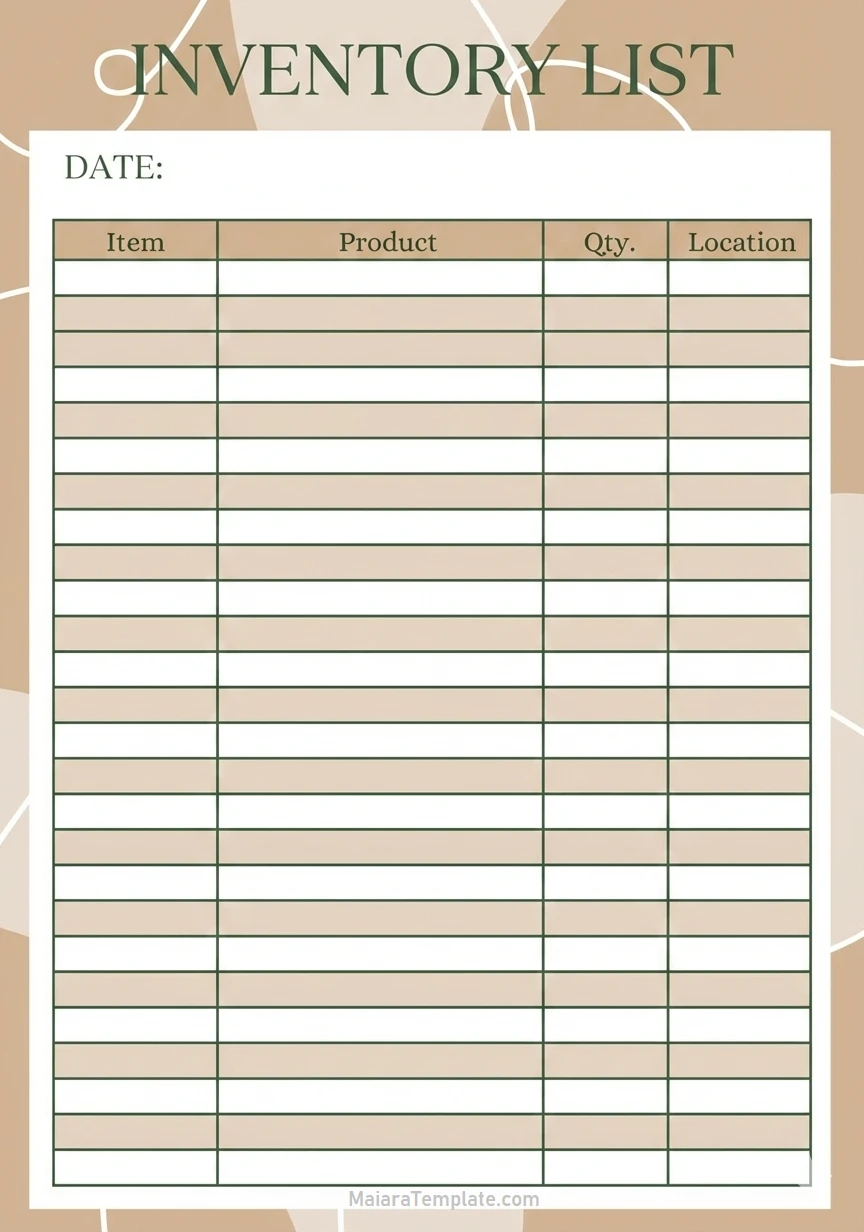
Are you struggling to keep track of your business inventory? Creating an inventory list is a crucial step in managing your stock efficiently. An inventory list is a detailed record of all the items you have in stock, including their quantities and locations.
This article will guide you through the process of creating an inventory list and provide you with tips for successful inventory management.
What is an Inventory List?
An inventory list is a comprehensive document that contains detailed information about all the items in your stock. It helps you keep track of what you have on hand, what needs to be reordered, and where items are located within your warehouse or store.
By creating an inventory list, you can streamline your inventory management process, prevent stockouts, and reduce the risk of overstocking.
Why is an Inventory List Important?
Having an accurate inventory list is essential for running a successful business. It allows you to monitor your stock levels, track sales trends, and make informed purchasing decisions. Without an inventory list, you risk running out of essential items, which can result in lost sales and dissatisfied customers.
Additionally, an inventory list helps you avoid unnecessary spending on excess stock that sits on your shelves and ties up your capital.
What to Include in an Inventory List
When creating an inventory list, it’s important to include the following information for each item:
- Item Name: Clearly label each item with its name or description.
- Quantity: Record the number of units you have in stock for each item.
- Location: Note where each item is stored within your warehouse or store.
- Unit Cost: Include the cost of each item to calculate the total value of your inventory.
- SKU/Barcode: Assign a unique identifier to each item for easy tracking.
- Reorder Point: Set a minimum quantity for each item to prompt reordering when stock runs low.
How to Create an Inventory List
Creating an inventory list can be a straightforward process if you follow these steps:
1. Choose a format: Decide whether you want to create a physical or digital inventory list based on your business needs.2. List your items: Start by listing all the items you have in stock, including their names, quantities, and other relevant details.3. Organize by category: Group similar items together to make it easier to locate and track them.4. Update regularly: Set a schedule for updating your inventory list to ensure accuracy and avoid discrepancies.5. Use inventory management software: Consider using specialized software to automate the inventory tracking process and generate reports.
Tips for Successful Inventory Management
To optimize your inventory management process, consider the following tips:
- Implement a barcode system: Use barcode labels to track items more efficiently and accurately.
- Conduct regular audits: Perform periodic stock checks to identify discrepancies and prevent theft or loss.
- Forecast demand: Use historical sales data to predict future demand and adjust your inventory levels accordingly.
- Establish reorder triggers: Set up automated alerts for items that reach their reorder points to avoid stockouts.
- Optimize storage space: Maximize your warehouse layout to make it easier to access and replenish items.
- Monitor expiration dates: Keep track of perishable items and rotate stock to prevent waste.
In conclusion, creating an inventory list is essential for efficient inventory management. By following the steps outlined in this guide and implementing the tips provided, you can streamline your operations, reduce costs, and improve customer satisfaction. Take control of your inventory today and watch your business thrive.
Inventory List Template – DOWNLOAD

- Ship Chart Template - October 5, 2026
- Free Printable Table Tent Template - October 5, 2026
- Free Printable Supply List Template - October 5, 2026
