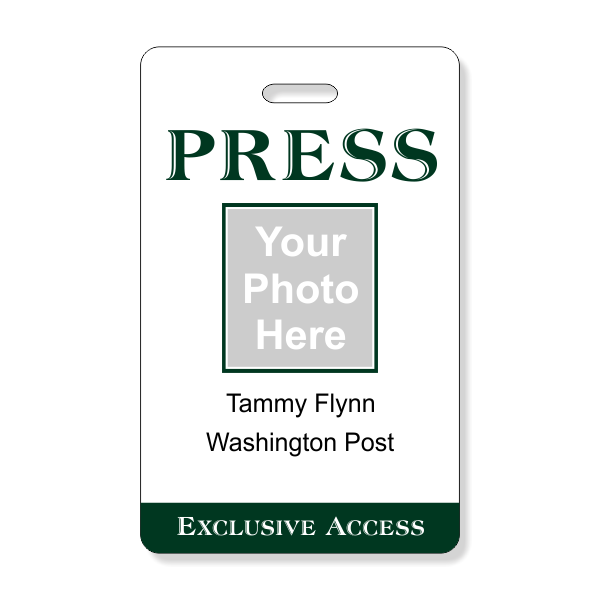
Press passes are essential tools for journalists, photographers, and other media professionals to gain access to events, press conferences, and restricted areas. A well-designed press pass not only serves as a form of identification but also represents the credibility and professionalism of the bearer. In this guide, we will delve into the intricacies of creating a professional press pass template that meets industry standards and ensures smooth access to various events.
What is a Press Pass Template?
A press pass template is a pre-designed layout that can be customized to include specific information such as the bearer’s name, organization, photo, and validity period. It serves as a standardized format for creating press passes for different events and ensures consistency in design and information presentation.
Why Use a Press Pass Template?
Creating a press pass template can streamline the process of issuing press passes for multiple events and individuals. By using a template, you can easily input the necessary information, make quick edits, and generate professional-looking press passes in a time-efficient manner. Additionally, a standardized template helps maintain a cohesive visual identity for your organization or media outlet.
What to Include in a Press Pass Template
When designing a press pass template, it is crucial to include the following key elements:
- Bearer’s Information: Name, organization, and title of the pass holder.
- Photo: A clear and recognizable photo of the bearer for identification purposes.
- Validity Period: Start and end dates of the press pass’s validity.
- Logo: Organization’s logo for branding and credibility.
- Contact Information: Contact details of the issuing authority for verification.
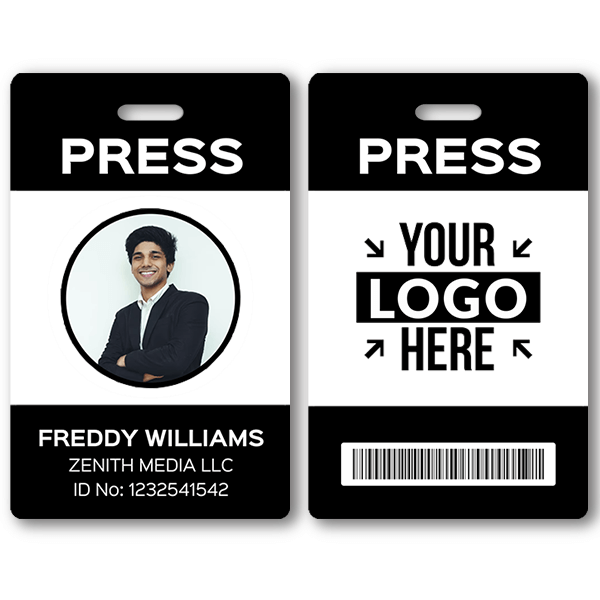
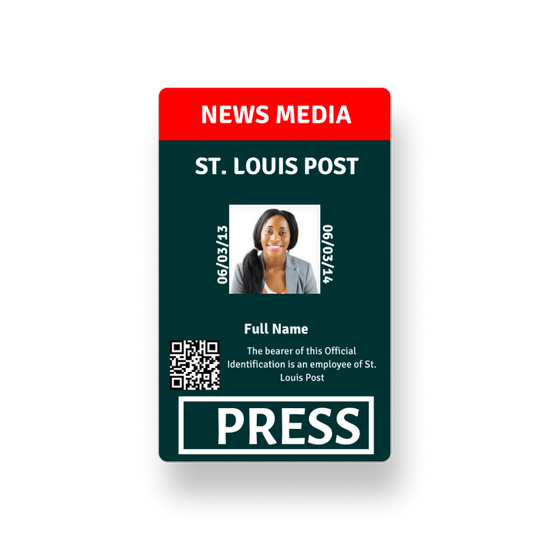
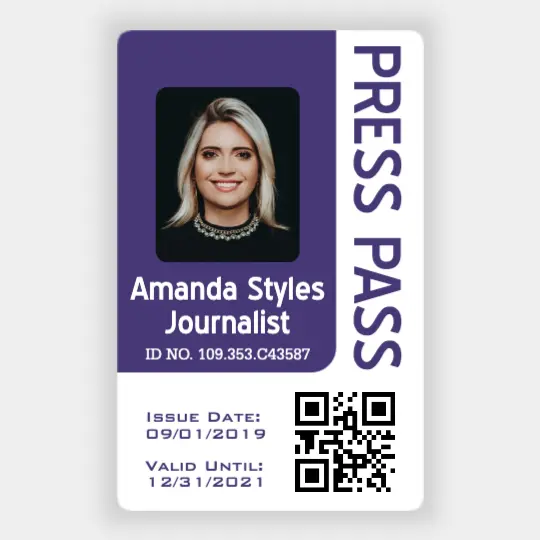
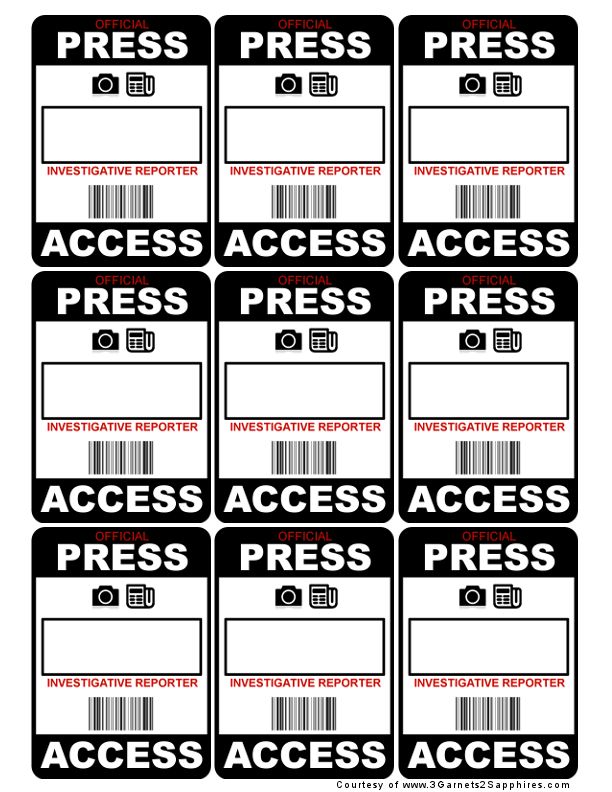
How to Design a Professional Press Pass Template
Designing a professional press pass template involves balancing aesthetics, security features, and information clarity. Here are some tips to create an effective press pass template:
- Choose a Clean Layout: Opt for a simple and organized layout that highlights essential information without looking cluttered.
- Use High-Quality Graphics: Incorporate high-resolution images and logos to enhance the visual appeal of the press pass.
- Include Security Features: Integrate security elements such as holographic seals or QR codes to prevent counterfeiting.
- Ensure Readability: Use legible fonts and appropriate font sizes to ensure that information is easily readable.
- Consider Accessibility: Make sure that key details such as the bearer’s name and organization are prominently displayed for quick identification.
Tips for Successful Press Pass Template Implementation
To maximize the effectiveness of your press pass template, consider the following tips:
- Regularly Update Information: Ensure that the information on the press pass is current and accurately reflects the bearer’s credentials.
- Provide Clear Instructions: Include guidelines on how to use the press pass and whom to contact for assistance or verification.
- Train Staff on Issuing Process: Educate staff members on the correct procedures for issuing press passes to avoid errors or delays.
- Implement a Verification System: Establish a process for verifying the authenticity of press passes to prevent unauthorized access.
- Solicit Feedback: Gather feedback from press pass holders to identify areas for improvement and enhance user experience.

- Printable Wedding Guest List Template - October 1, 2026
- Free Printable Trip Schedule Template - October 1, 2026
- Free Printable Table Card Template - October 1, 2026
