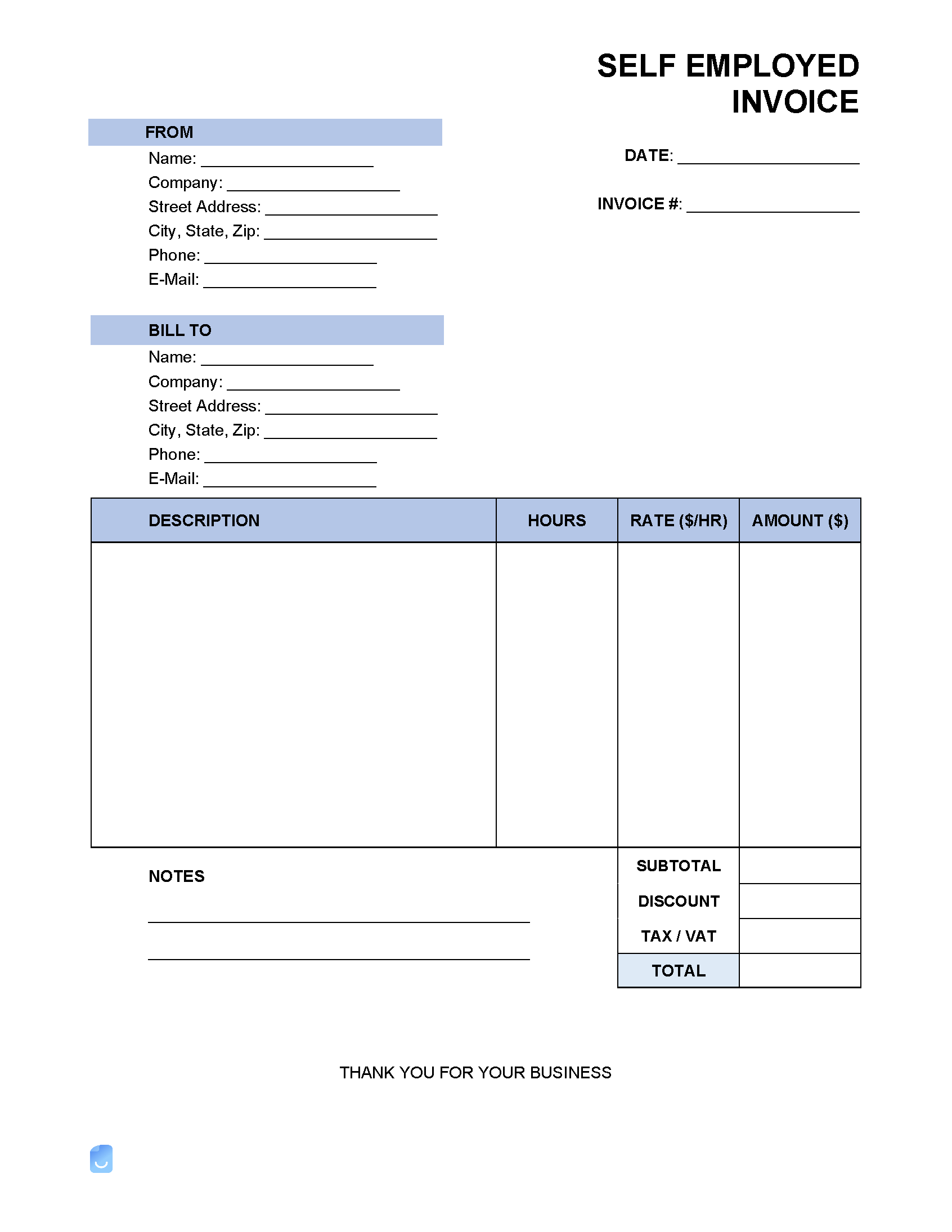
What is a Self-Employed Invoice?
A self-employed invoice is a document that self-employed individuals use to bill their clients for services rendered or products sold. It serves as a record of the transaction and outlines the details of the work performed, the cost of the services, payment terms, and any other relevant information. Invoices are essential for maintaining proper financial records, tracking income, and ensuring timely payments from clients.
Why are Self-Employed Invoices Important?
Self-employed invoices play a crucial role in the success of a self-employed individual’s business. Here are some reasons why they are important:
- Professionalism. Invoices help to establish a professional image and build credibility with clients.
- Record-Keeping. They serve as a record of all transactions, making it easier to track income and expenses.
- Payment Tracking. Invoices help to track payments and ensure timely payments from clients.
- Tax Compliance. Properly maintained invoices are essential for tax purposes and help in calculating accurate taxes.
What to Include in a Self-Employed Invoice
When creating a self-employed invoice, it is important to include the following key elements:
- Business Information. Include your business name, address, contact information, and logo (if applicable).
- Client Information. Include the client’s name, address, and contact information.
- Invoice Number and Date. Assign a unique invoice number and include the date of issue.
- Description of Services. Provide a detailed description of the services or products sold.
- Cost of Services. Clearly outline the cost of each service or product.
- Payment Terms. Specify the payment due date, accepted payment methods, and any late payment fees.
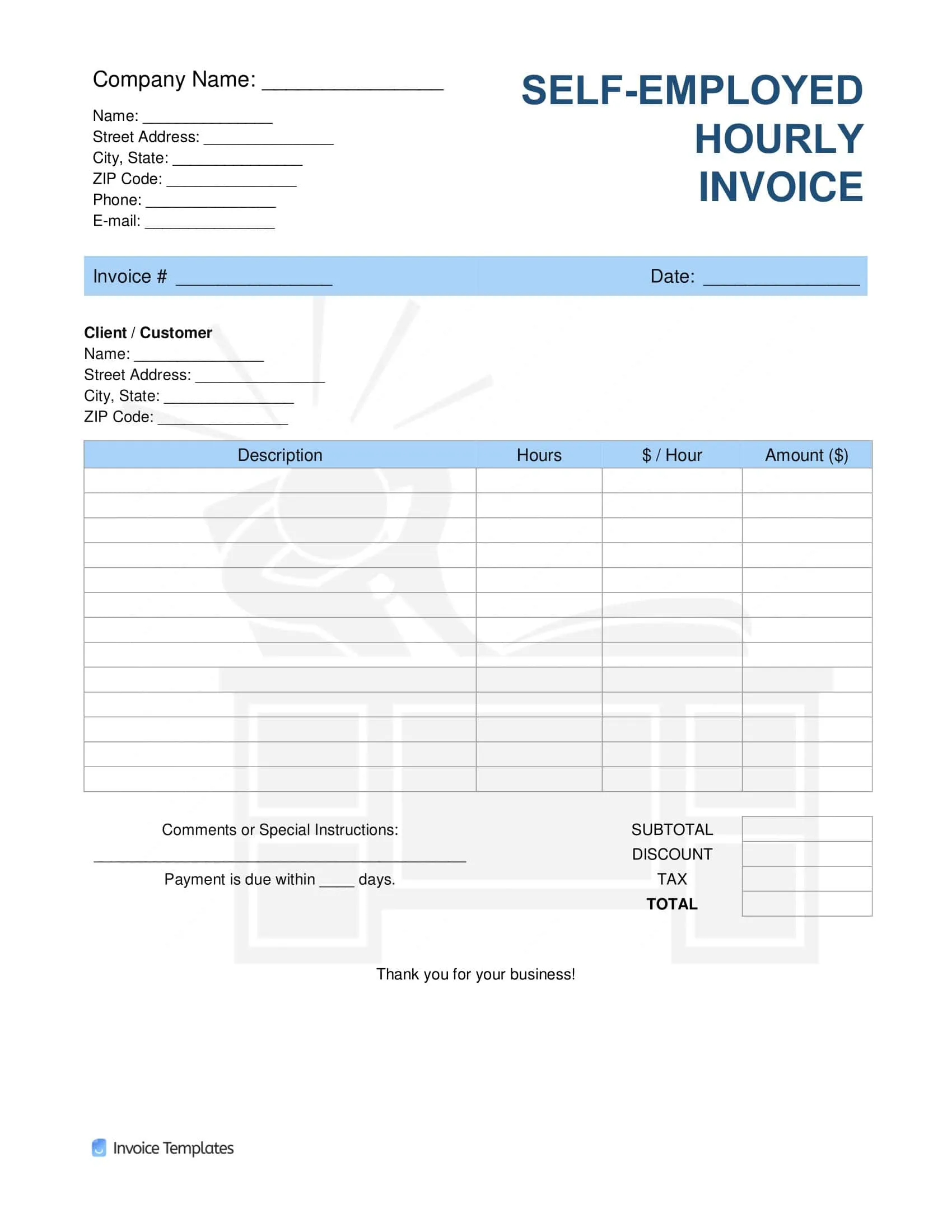
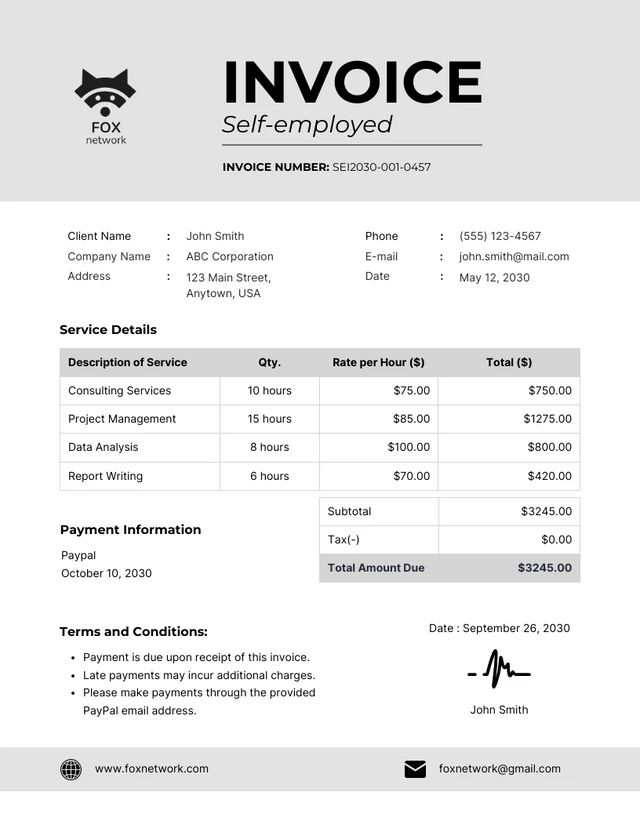
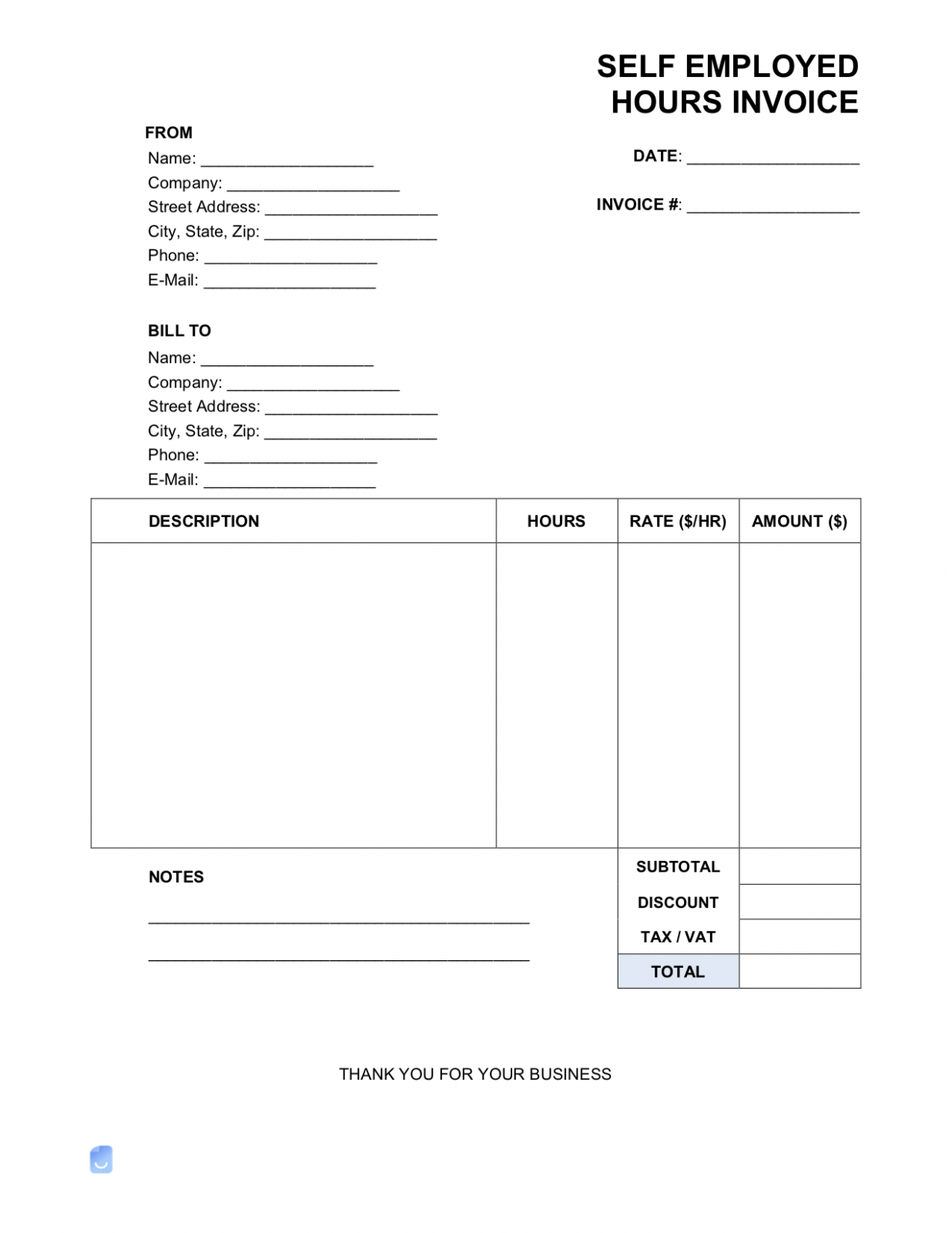
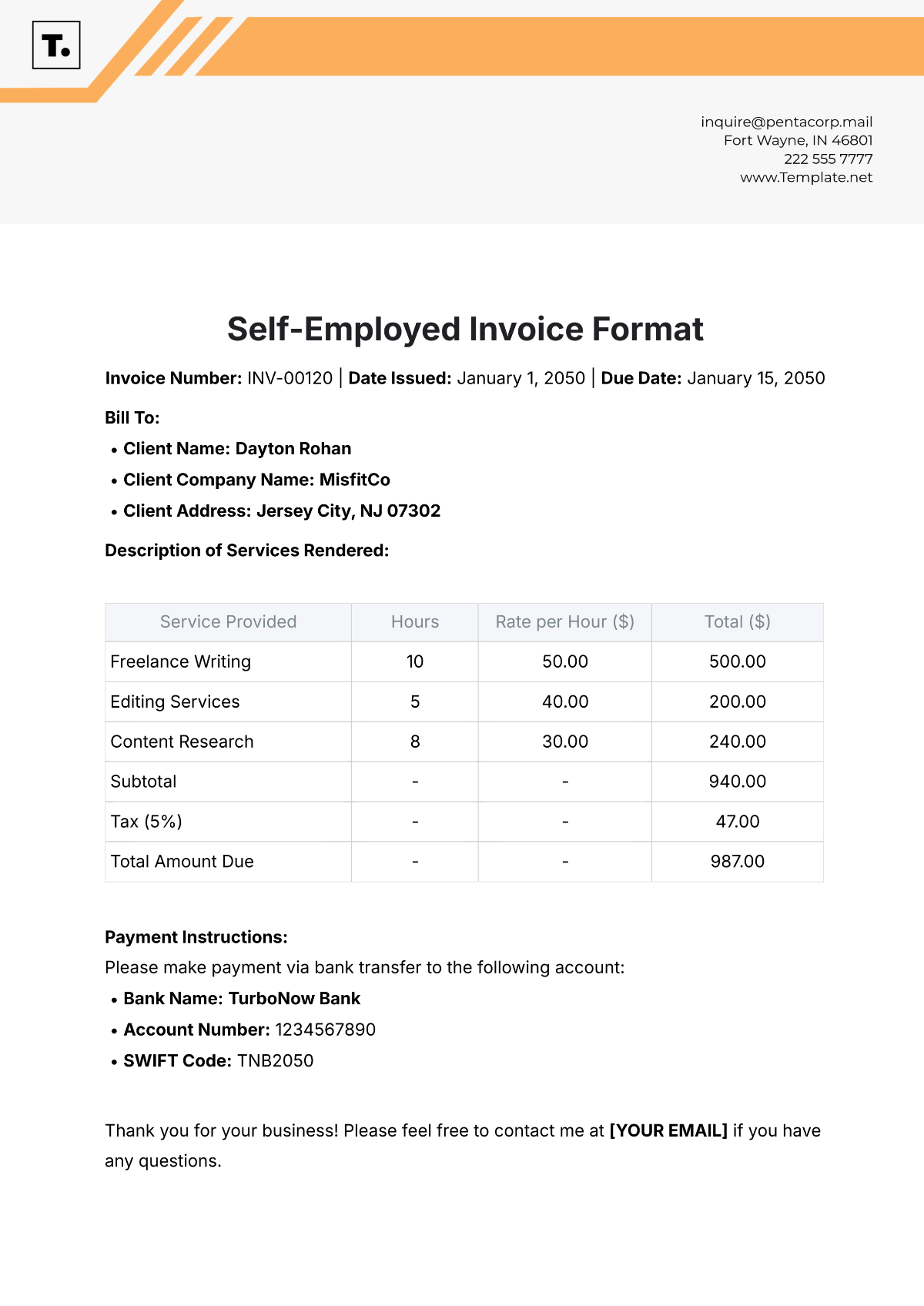
How to Create a Self-Employed Invoice
Creating a self-employed invoice is a straightforward process. Here are the steps to follow:
- Choose a Template. Select an invoice template that suits your business needs.
- Add Business Details. Include your business name, address, contact information, and logo.
- Fill in Client Details. Enter the client’s name, address, and contact information.
- Itemize Services. List the services or products sold, along with their costs.
- Calculate Total. Calculate the total amount due, including any taxes or additional fees.
- Include Payment Terms. Specify the payment due date, accepted payment methods, and any late fees.
Tips for Successful Self-Employed Invoicing
Here are some tips to ensure successful self-employed invoicing:
- Be Clear and Concise. Provide detailed descriptions of services and costs to avoid confusion.
- Use Professional Templates. Utilize professional invoice templates to enhance your business image.
- Set Clear Payment Terms. Clearly outline payment due dates and accepted payment methods to avoid payment delays.
- Follow Up on Late Payments. Don’t hesitate to follow up with clients who have overdue invoices to ensure timely payments.
- Maintain Proper Records. Keep a record of all invoices issued and payments received for accurate financial tracking.
Conclusion
In conclusion, self-employed invoices are essential for managing a self-employed business effectively. By including all the necessary details and following best practices for invoicing, self-employed individuals can maintain proper financial records, track income, and ensure timely payments from clients. By implementing the tips mentioned in this guide, self-employed individuals can streamline their invoicing process and improve the overall efficiency of their business operations.
Self-employed Invoice Template

- Free Printable Weight Loss Tracker Template - October 4, 2026
- Wedding Day Schedule Template - October 4, 2026
- Surprise Party Invitation Template - October 4, 2026
