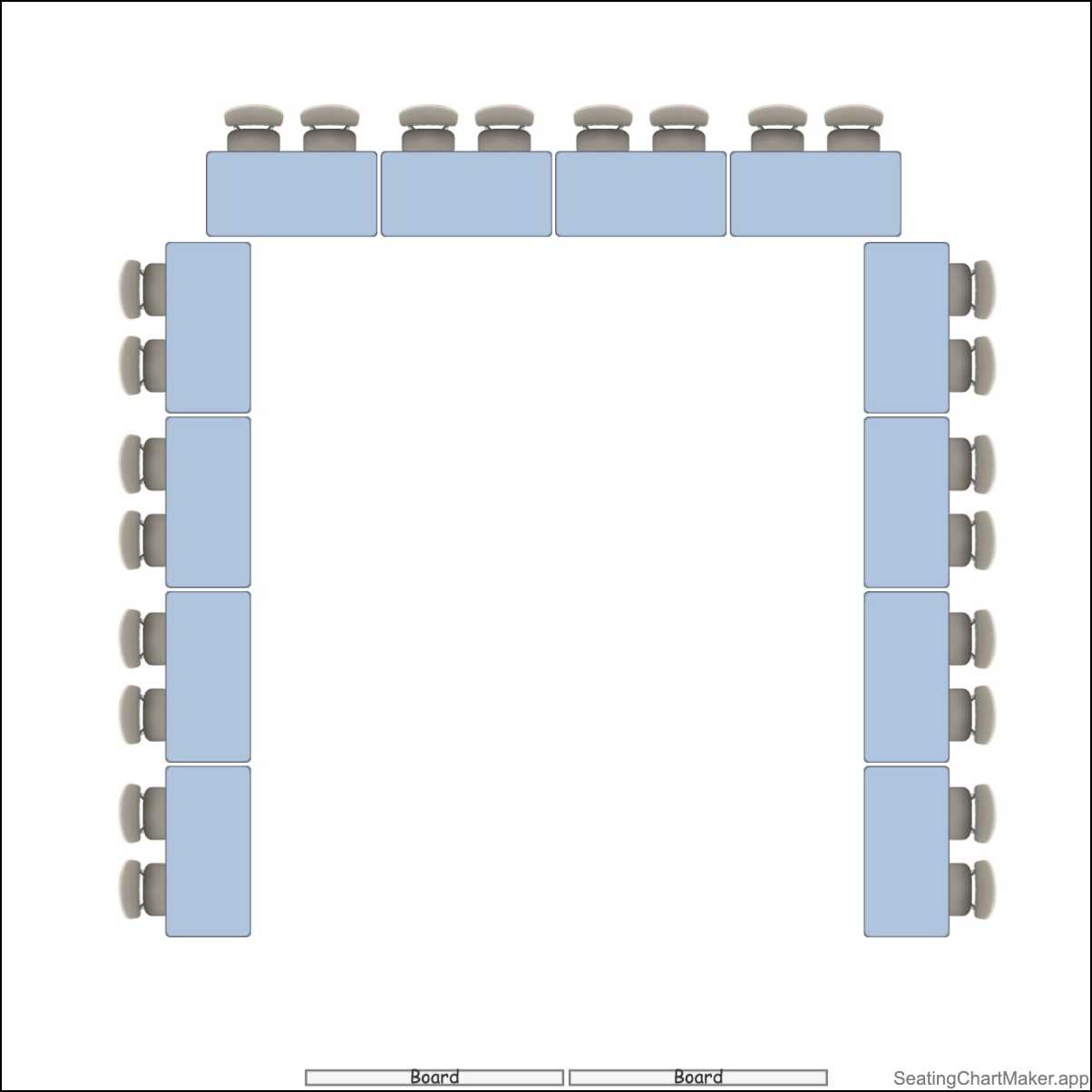
When planning an event, whether it’s a wedding, conference, or dinner party, one of the key elements to consider is the seating chart. A well-thought-out seating chart can make a significant impact on the success of your event, ensuring that guests are comfortable and have an enjoyable experience. In this ultimate guide, we will explore everything you need to know about seating charts, from why they are important to tips for creating a successful seating arrangement.
What is a Seating Chart?
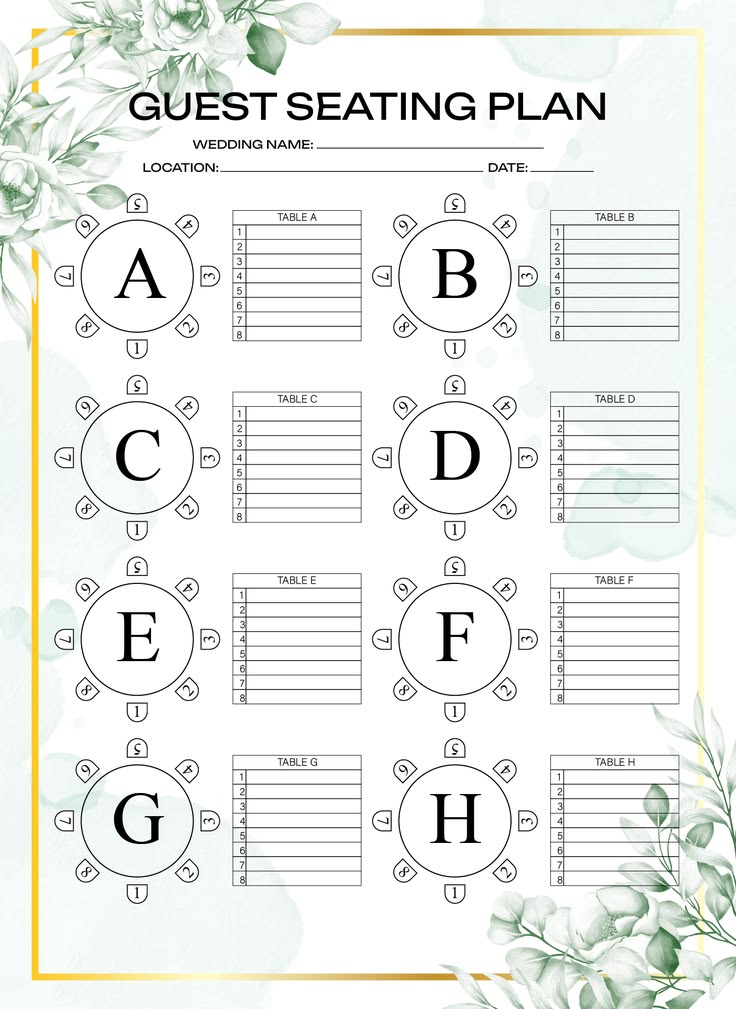
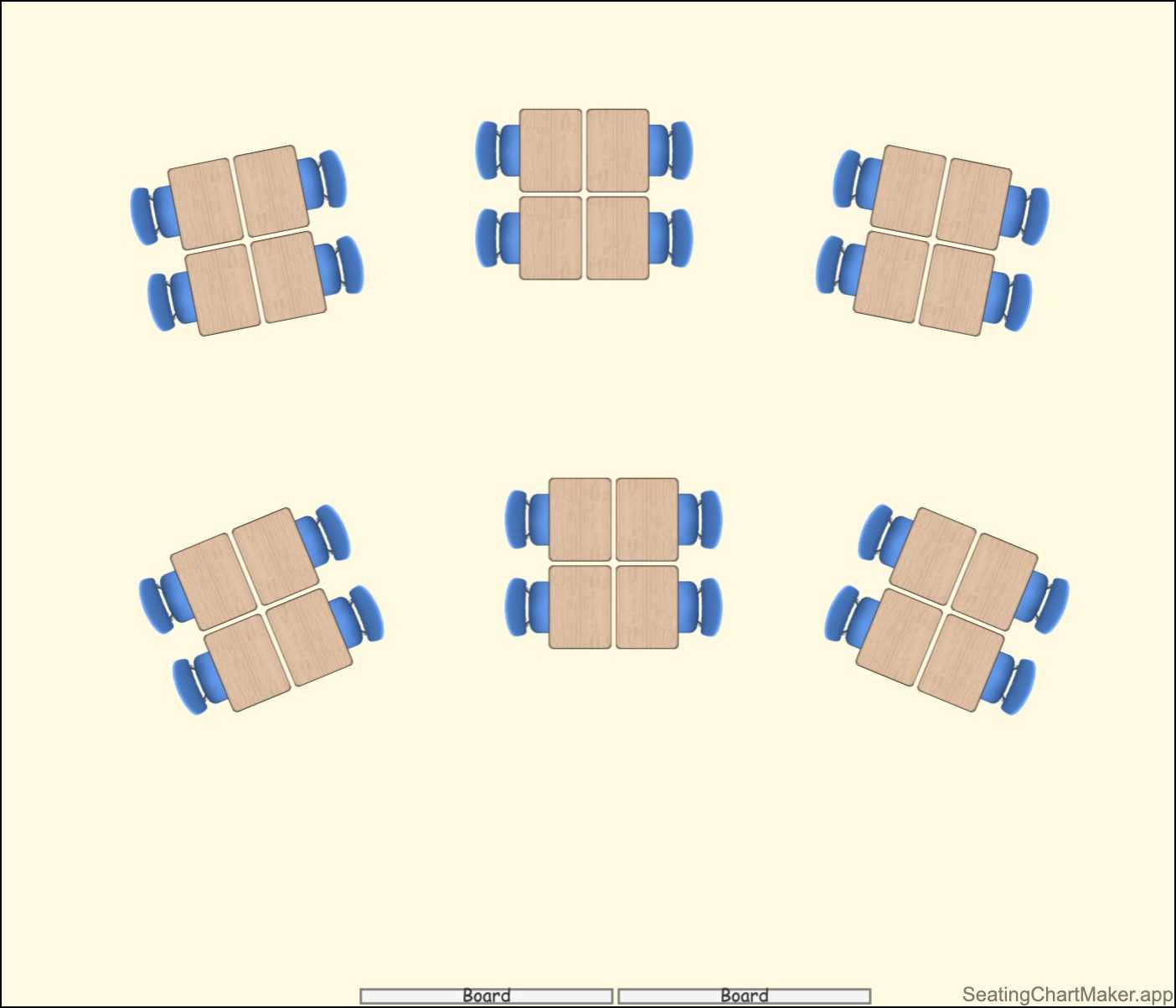
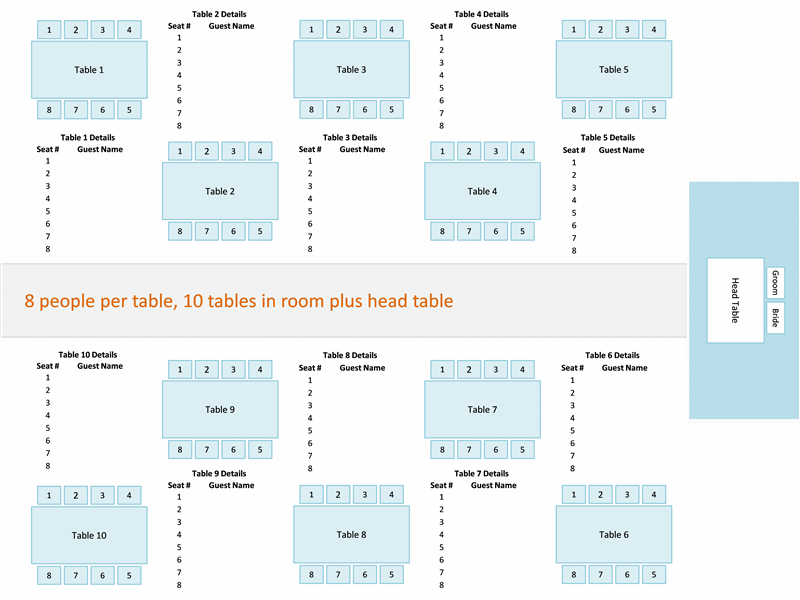
A seating chart is a visual representation of where each guest will be seated at an event. It typically includes tables or sections with assigned seats for each guest, helping to ensure that everyone knows where to sit. Seating charts can vary in complexity, from simple diagrams to more detailed layouts that take into account factors such as guest preferences and relationships.
Why are Seating Charts Important?
Seating charts play a crucial role in the success of an event for several reasons. Firstly, they help to avoid confusion and ensure that guests can easily find their seats. This can help to prevent any awkward moments or disagreements over seating arrangements. Secondly, seating charts allow you to strategically place guests based on factors such as relationships, age groups, or common interests, creating a more enjoyable and harmonious atmosphere.
What to Include in a Seating Chart
When creating a seating chart, there are several key elements to consider:
- Guest List: Start by compiling a list of all the guests who will be attending the event.
- Table Layout: Determine the layout of the tables and how many guests will be seated at each table.
- Assigned Seats: Assign specific seats to each guest, taking into account factors such as relationships and preferences.
- Table Numbers: Clearly label each table with a number or name to help guests easily locate their assigned table.
- Seating Arrangement: Consider the placement of guests based on factors such as age, interests, and relationships to create a harmonious atmosphere.
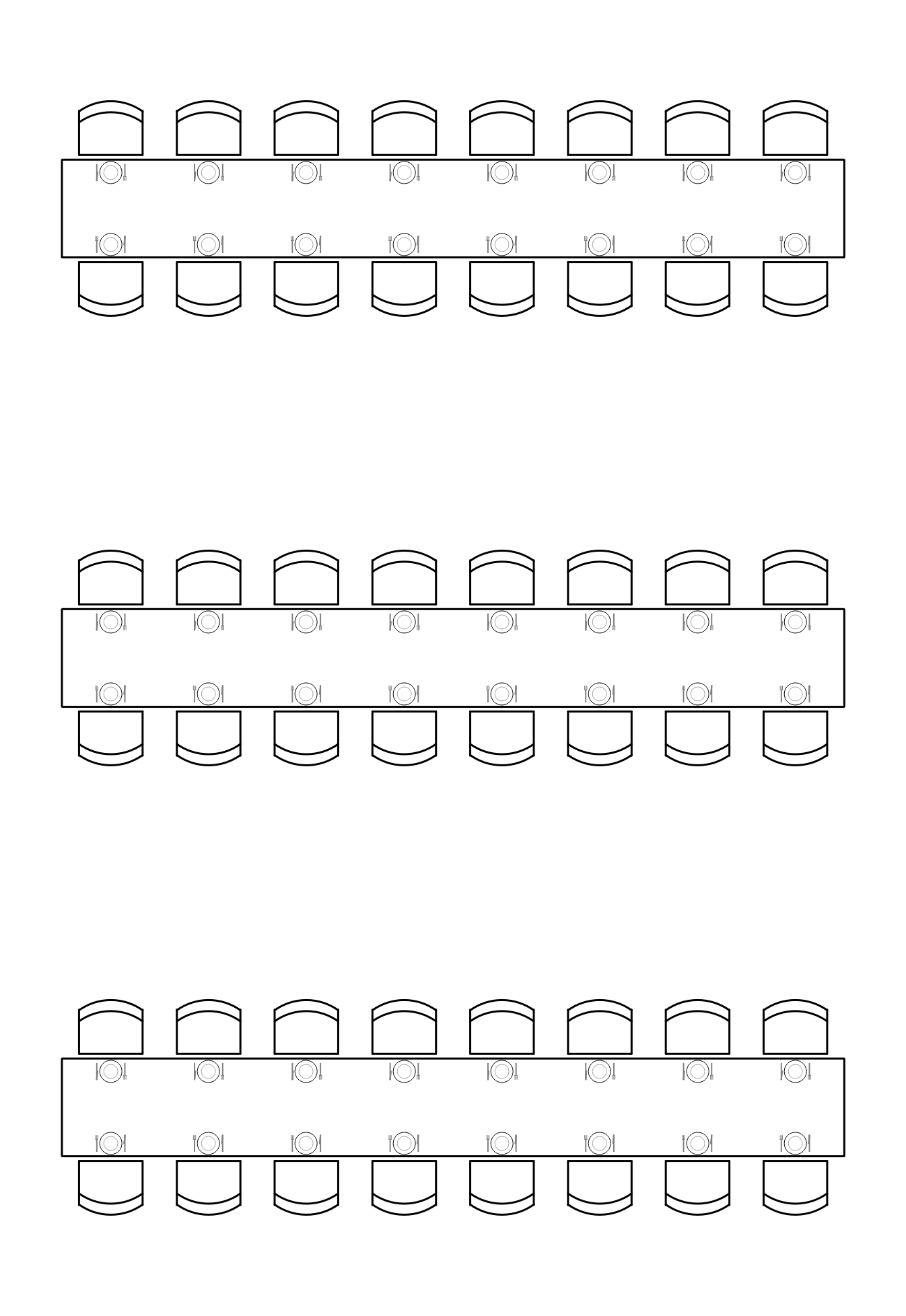
How to Create a Seating Chart
Creating a seating chart can be a time-consuming process, but with careful planning and organization, you can ensure a successful outcome. Here are some tips for creating a seating chart:
1. Start Early
Begin working on your seating chart well in advance of the event to allow for any changes or adjustments.
2. Consider Relationships
Take into account the relationships between guests when assigning seats to avoid any potential conflicts or awkward situations.
3. Use a Seating Chart Tool
Consider using a seating chart tool or software to help streamline the process and easily make changes as needed.
4. Have a Backup Plan
Prepare a backup seating plan in case any last-minute changes or unexpected situations arise.
5. Communicate with Guests
Provide guests with a copy of the seating chart or layout so they know where to find their assigned seats.
Tips for Successful Seating Charts
Creating a successful seating chart requires attention to detail and careful consideration of various factors. Here are some additional tips to ensure your seating chart is a success:
- Keep it Balanced: Ensure an equal distribution of guests and avoid overcrowding at certain tables.
- Consider Accessibility: Take into account the needs of guests with mobility issues and ensure they have easy access to their seats.
- Seat VIPs Strategically: Place VIP guests or speakers in prominent positions for better visibility and interaction.
- Label Tables Clearly: Make sure tables are clearly labeled to avoid confusion and help guests find their seats quickly.
- Review and Adjust: Regularly review and adjust your seating chart as needed to accommodate any changes or special requests.
By following these tips and guidelines, you can create a well-organized seating chart that will contribute to the overall success of your event. Remember to stay flexible and adapt to any unexpected changes that may arise, ensuring that all guests have a positive and enjoyable experience.

- Free Printable SWOT Analysis Template - October 8, 2026
- Free Printable Work Estimate Template - October 8, 2026
- Ship Chart Template - October 5, 2026
