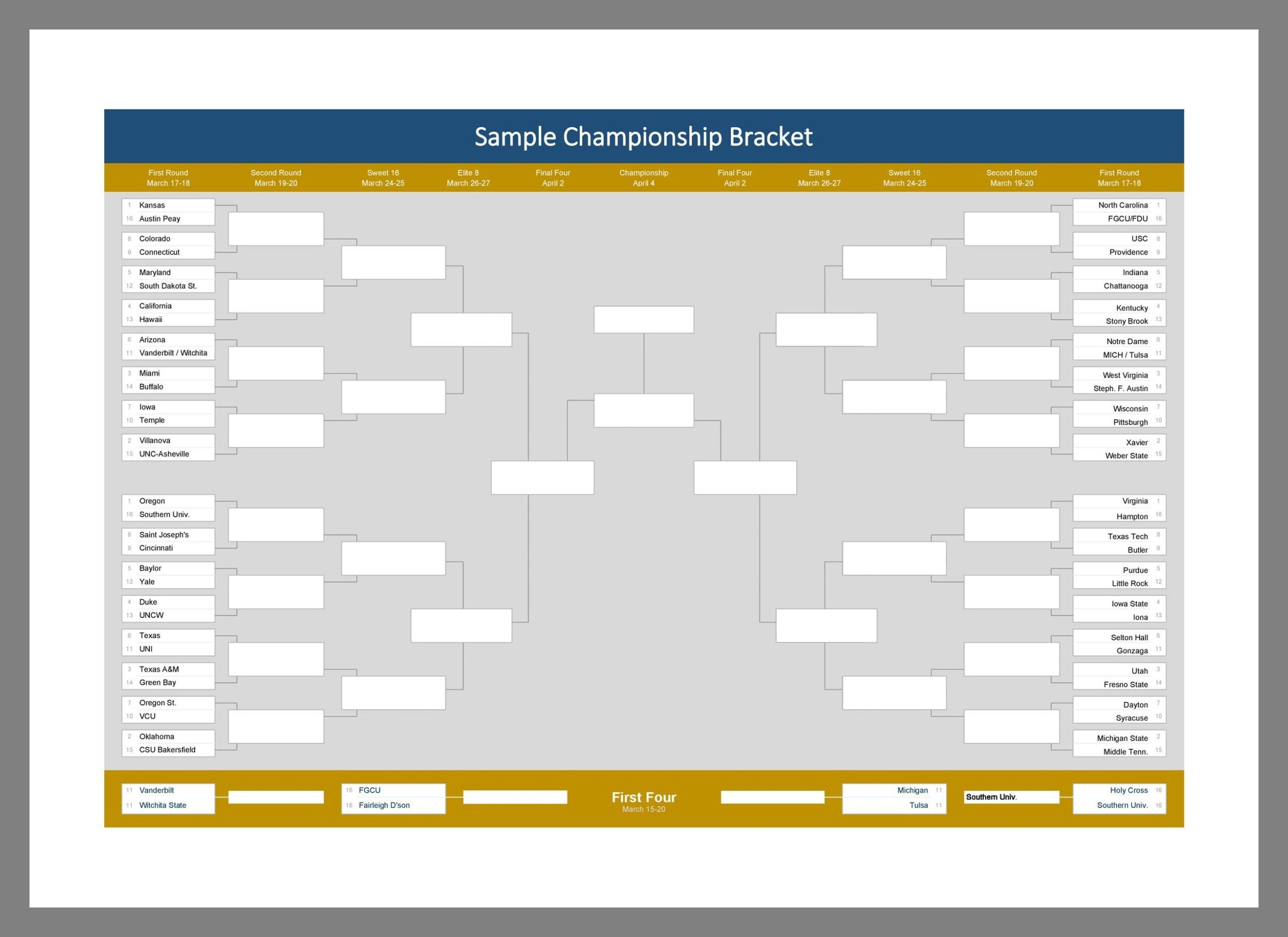
Whether you are organizing a sports tournament, a gaming competition, or any other type of event that involves multiple rounds of matches, having a tournament chart is essential. A tournament chart, also known as a bracket or draw, is a visual representation of the matches and results in a tournament. It helps participants and spectators keep track of the progress and understand the structure of the competition. In this comprehensive guide, we will explore everything you need to know about tournament charts, from their purpose and key elements to tips for creating and using them effectively.
What is a Tournament Chart?
A tournament chart is a graphical representation of the matchups and results in a tournament. It typically consists of a series of brackets or grids that show the progression of teams or individuals through the competition. Each bracket represents a round of matches, with winners advancing to the next round until a final winner is determined. Tournament charts can vary in complexity, depending on the number of participants and the format of the competition.
Why Use a Tournament Chart?
Tournament charts serve several important purposes in the context of a competition. Firstly, they provide a clear overview of the tournament structure, showing how participants are paired up and how they progress through the rounds. This helps both participants and spectators understand the flow of the event and anticipate upcoming matches. Additionally, tournament charts facilitate the organization and management of the competition, ensuring that matches are scheduled correctly and results are recorded accurately.
Key Elements of a Tournament Chart
When creating a tournament chart, there are several key elements to consider to ensure it is clear and comprehensive. These elements include:
- Participant Names: Each participant or team should be clearly identified in the chart.
- Matchups: The pairings for each round should be clearly indicated, showing who will compete against each other.
- Results: Spaces should be provided for recording the results of each match, including scores or outcomes.
- Progression Arrows: Arrows or lines can be used to show the progression of winners from one round to the next.
- Final Winner: The chart should clearly indicate the ultimate winner of the tournament.
Examples
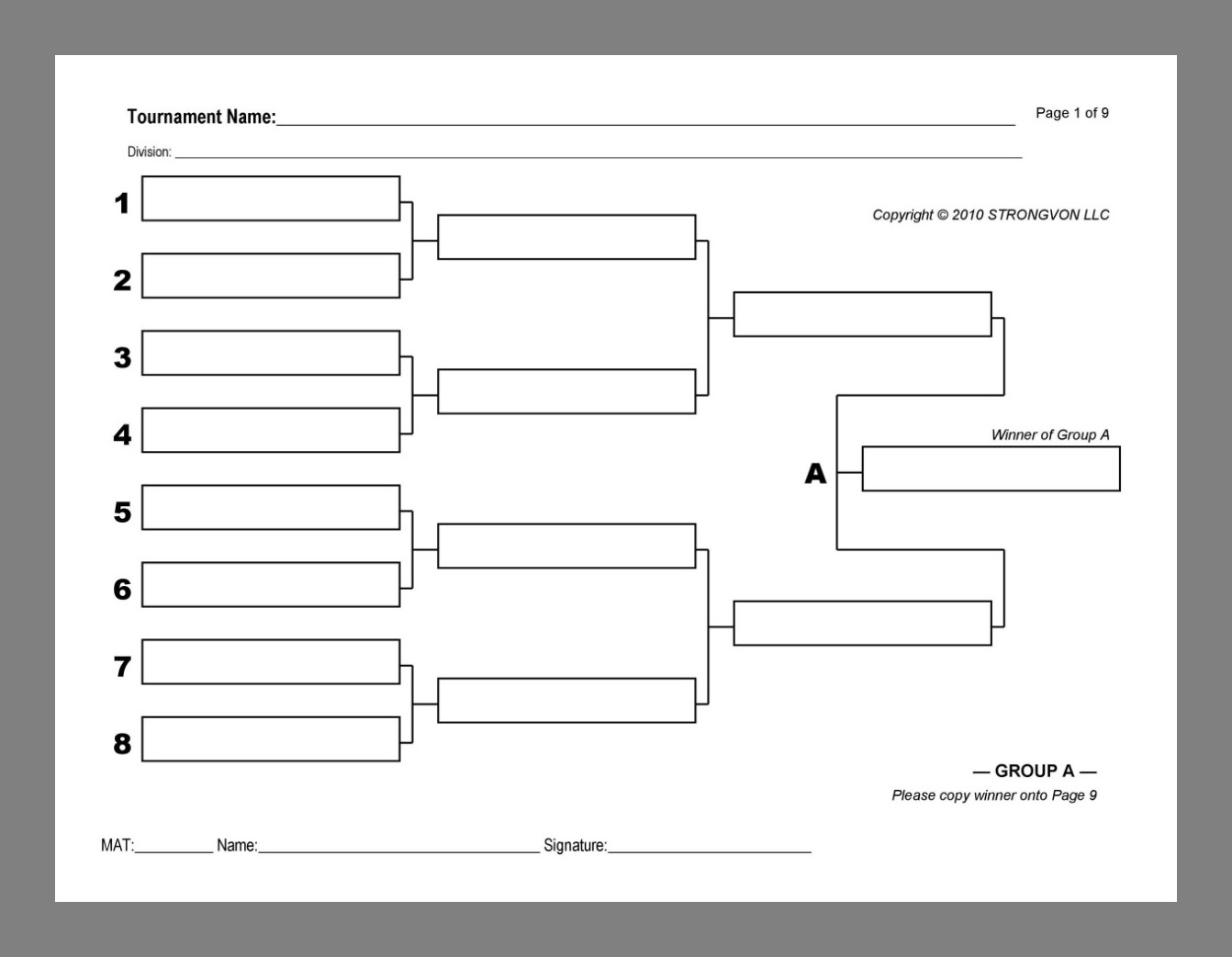
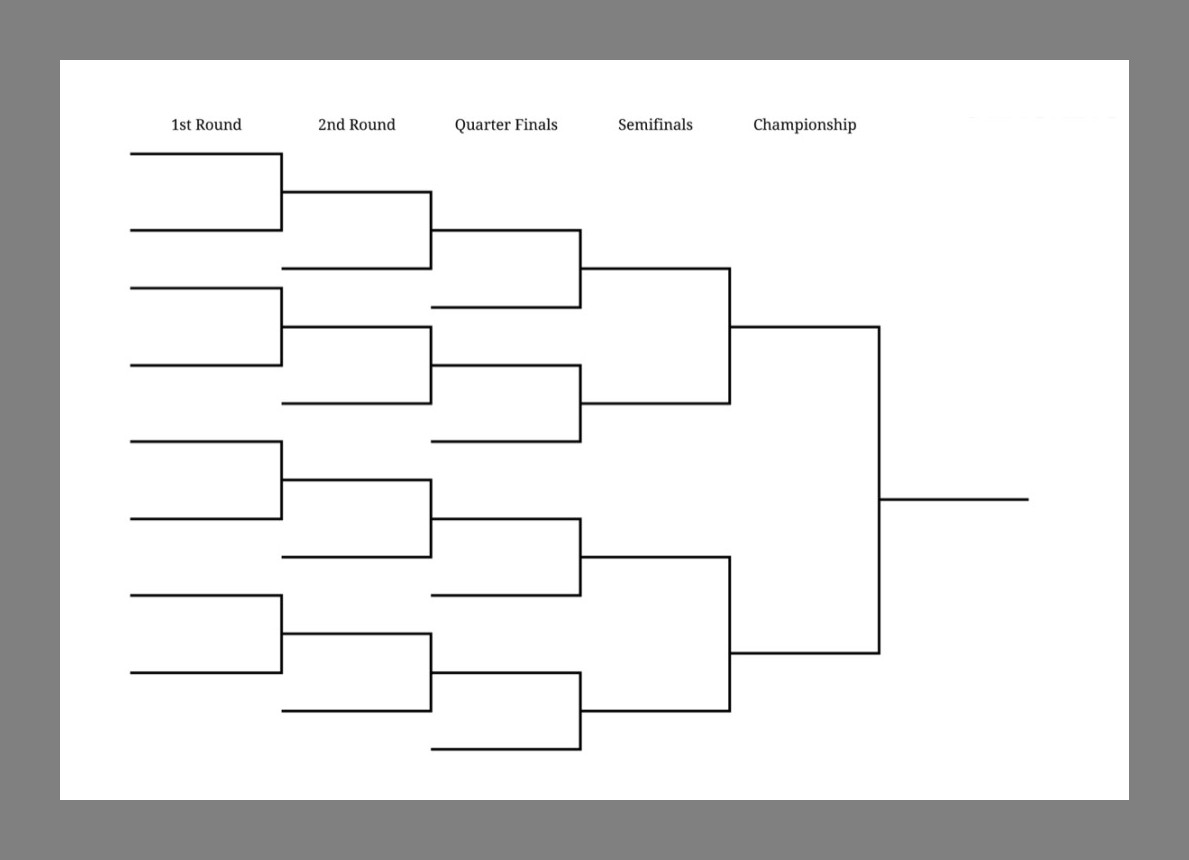
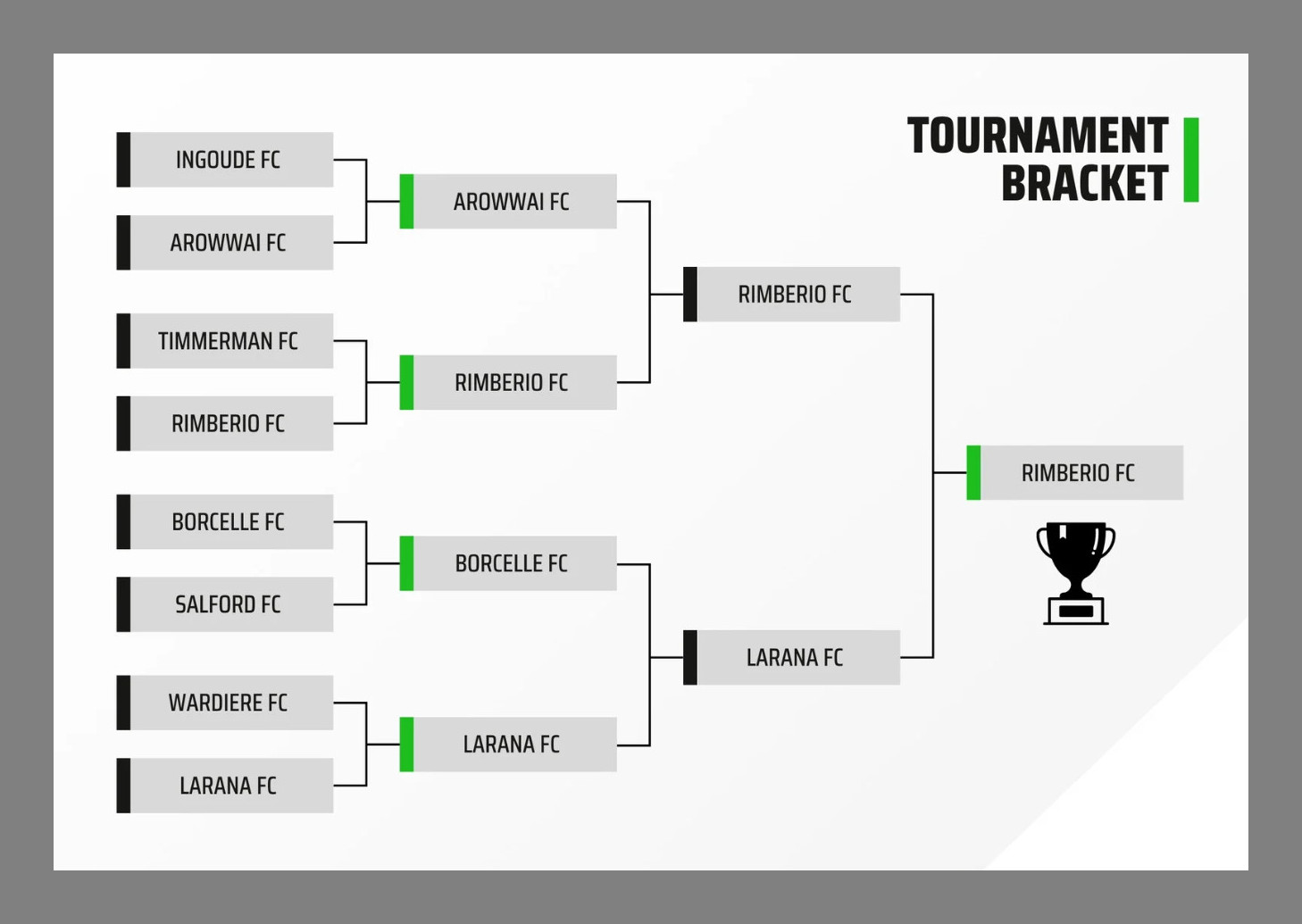
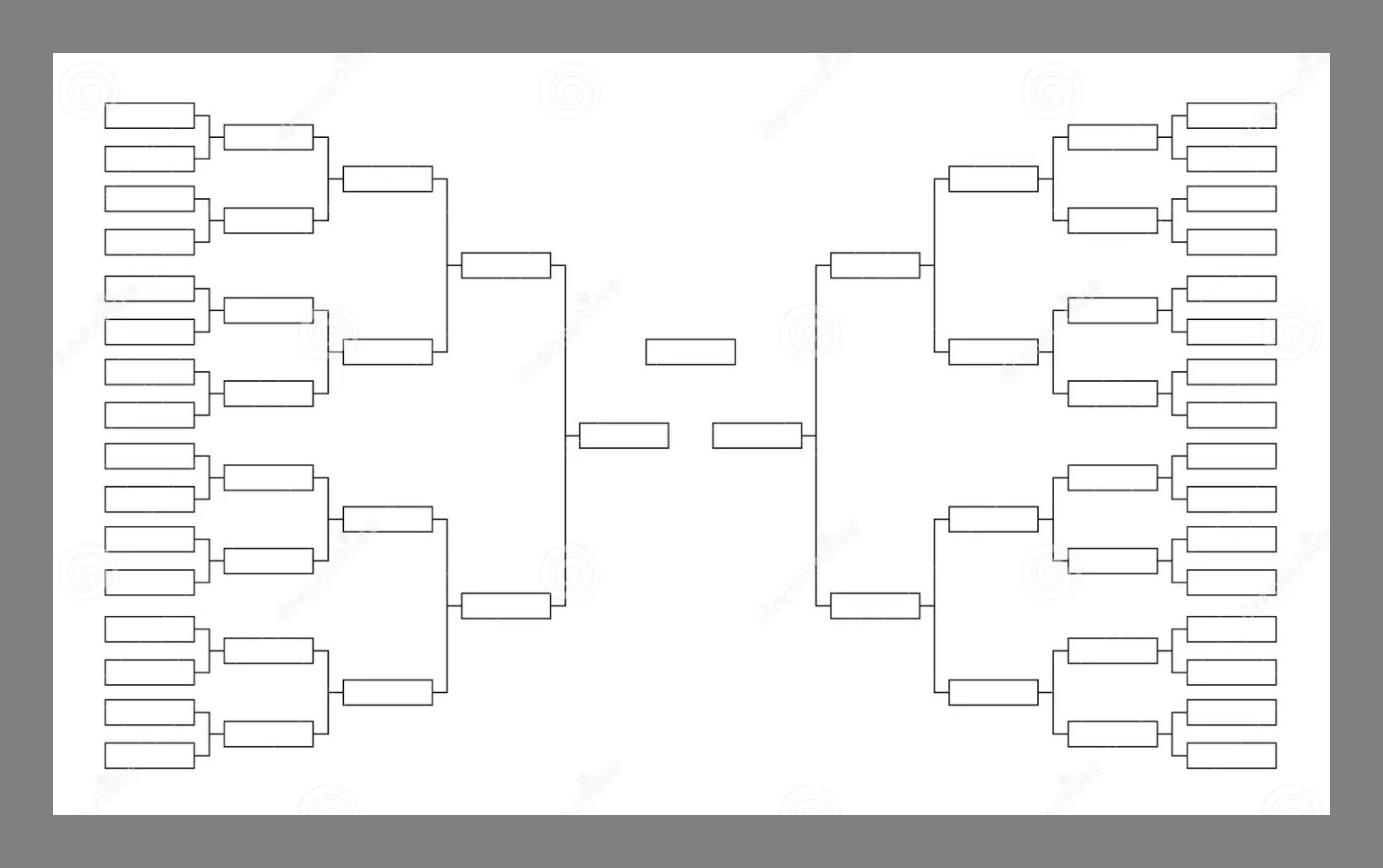
How to Create a Tournament Chart
Creating a tournament chart may seem daunting at first, but with the right tools and approach, it can be a straightforward process. Here are some steps to follow when creating a tournament chart:
1. Determine the Format:
Decide on the format of your tournament, including the number of participants, the number of rounds, and the type of matchups (single elimination, double elimination, round-robin, etc.).
2. Choose a Template:
Find a tournament chart template or software that suits your needs. There are many online tools available that can help you create a professional-looking chart quickly and easily.
3. Input Participant Information:
Enter the names or identifiers of all participants into the chart, ensuring they are correctly assigned to their initial matchups.
4. Fill in Match Results:
As the tournament progresses, update the chart with the results of each match, including the winners who will advance to the next round.
5. Update and Share:
Continue to update the chart as the competition progresses, and share it with participants and spectators so they can follow along with the action.
Tips for Successful Tournament Charts
To ensure your tournament chart is effective and user-friendly, consider the following tips:
- Use Clear Formatting: Make sure the chart is easy to read and understand, with clear labels and spacing.
- Update Regularly: Keep the chart up to date with the latest results and matchups to provide real-time information.
- Provide Instructions: Include a key or legend to explain any symbols or abbreviations used in the chart.
- Consider Accessibility: Make sure the chart is accessible to all participants and spectators, including those with visual impairments.
- Solicit Feedback: Ask for feedback from participants and spectators to improve the usability and clarity of the chart for future events.
By following these guidelines and best practices, you can create a tournament chart that enhances the experience for everyone involved and ensures a smooth and organized competition.
Tournament Chart Template – Download

- Father’s Day Birthday Card Template - October 30, 2026
- Valentine’s Birthday Card Template - October 28, 2026
- Birth Certificate Template - October 28, 2026
