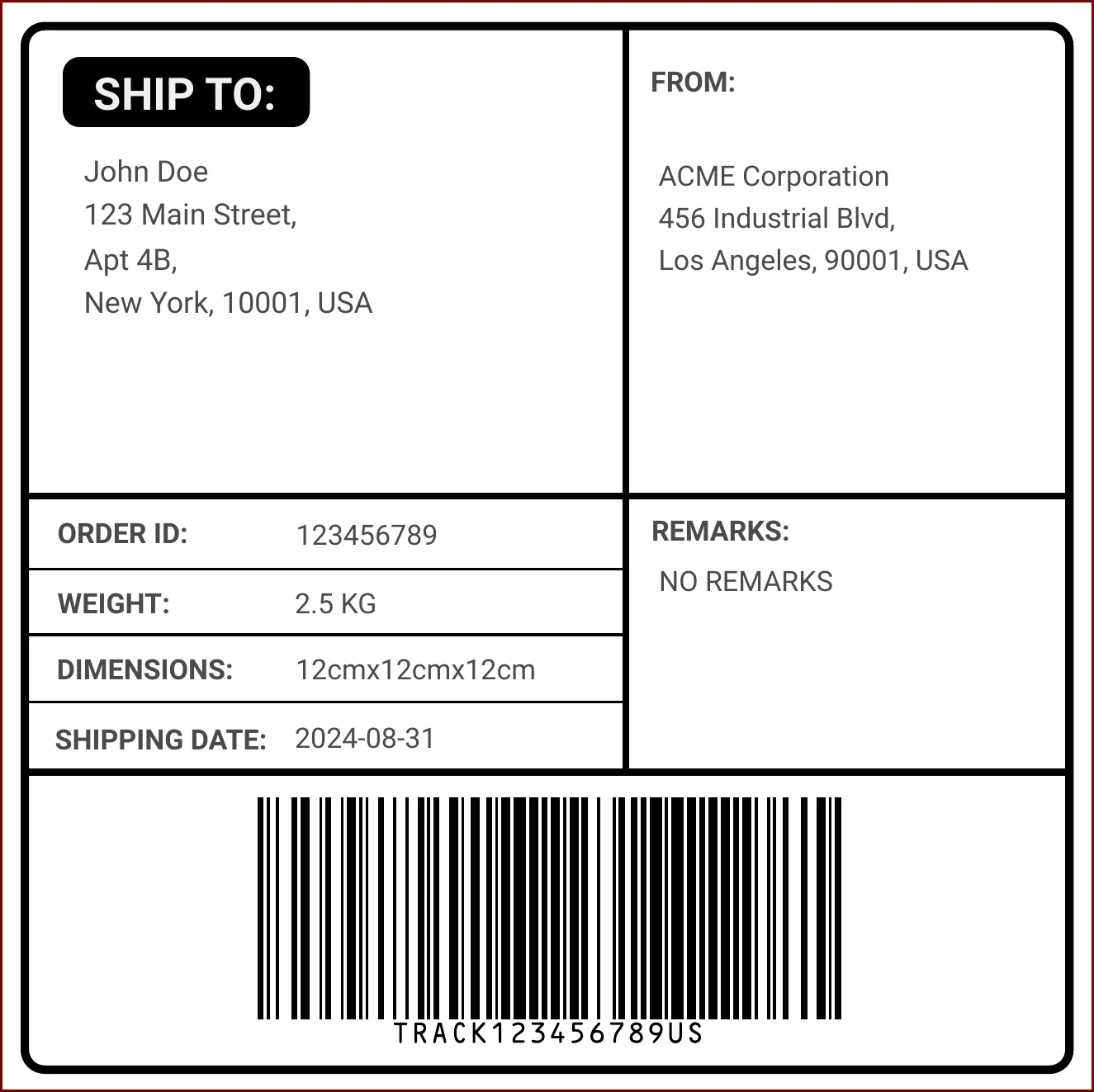
When it comes to sending out mail, whether it’s for personal or business purposes, having the right mailing label is essential. Mailing labels not only help ensure that your mail reaches its intended recipient, but they also add a professional touch to your correspondence.
In this comprehensive guide, we’ll delve into everything you need to know about mailing labels, including what they are, why they are important, what to include on them, how to create them, and tips for making the most of your mailing labels.
What are Mailing Labels?
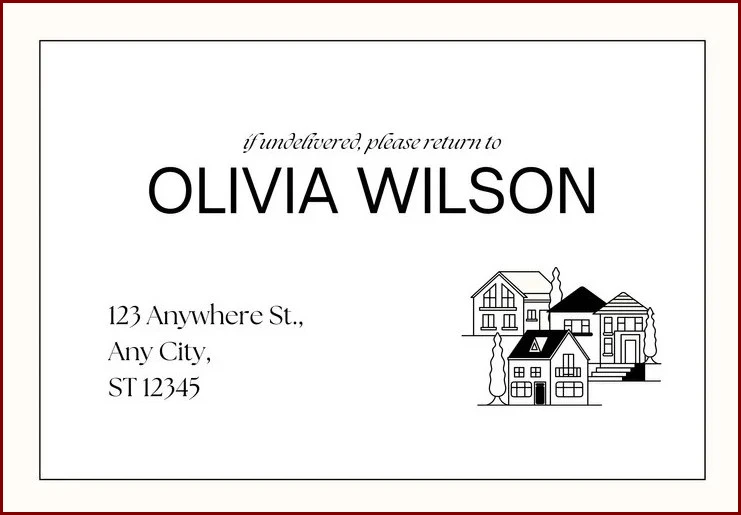
Mailing labels are adhesive labels that are affixed to envelopes, packages, or parcels to display the recipient’s address and other relevant information. Individuals, businesses, and organizations commonly use them to ensure accurate and efficient delivery of mail.
Mailing labels come in various sizes, shapes, and designs to suit different mailing needs.
Why are Mailing Labels Important?
Mailing labels play a crucial role in the mailing process by providing clear, legible information about the recipient and sender. Without proper mailing labels, there is a risk of mail getting lost, delayed, or delivered to the wrong address.
Mailing labels also help postal workers and courier services quickly identify where the mail should be delivered, saving time and reducing the chances of errors.
What to Include on Mailing Labels
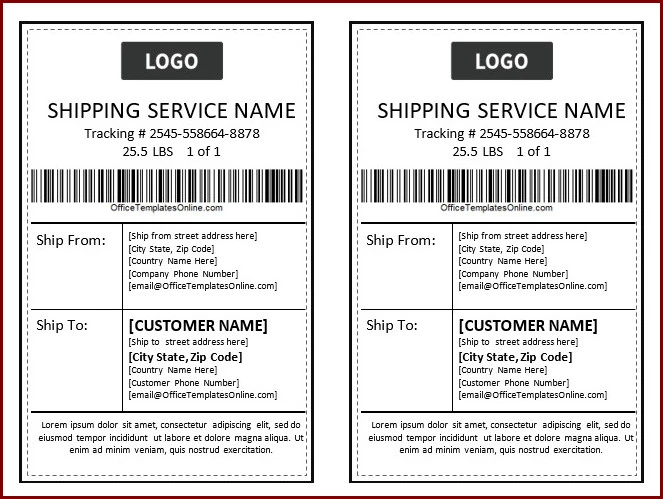
When creating mailing labels, it’s important to include all necessary information to ensure accurate delivery. Here are some key details to include on your mailing labels:
- Recipient’s name. Include the full name of the recipient to ensure that the mail reaches the right person.
- Recipient’s address. Provide the complete address, including street number, street name, city, state, and ZIP code.
- Sender’s name. Include your name or the name of your business as the sender of the mail.
- Sender’s return address. It’s essential to include a return address in case the mail cannot be delivered to the recipient.
- Special instructions. If there are specific delivery instructions or handling requirements, make sure to include them on the mailing label.
How to Create Mailing Labels
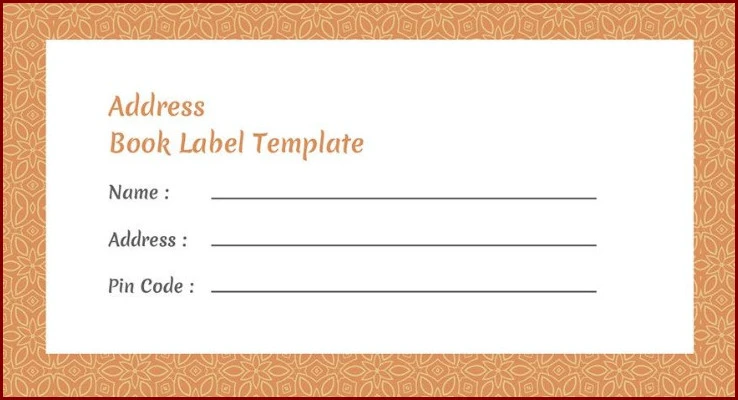
Creating mailing labels can be done manually by handwriting the information on labels or using a computer and printer to print labels. Here’s a step-by-step guide on how to create mailing labels using a computer:
1. Choose the right label size and format
Start by selecting the appropriate label size and format that fits your envelopes or packages.
2. Use a word processing software
Open a word processing software like Microsoft Word or Google Docs to create your mailing labels.
3. Enter recipient and sender information
Enter the recipient’s and sender’s information in the designated fields on the label template.
4. Customize the design
You can customize the font style, size, and color of the text on your mailing labels to make them more visually appealing.
5. Print the labels
Load the label sheets into your printer and print the mailing labels. Make sure to check the alignment and print quality before printing a batch.
Tips for Making the Most of Your Mailing Labels
Here are some tips to help you maximize the effectiveness of your mailing labels:
- Use clear and legible fonts. Choose fonts that are easy to read to ensure that the information on your mailing labels is easily understood.
- Proofread before printing. Double-check all information on your mailing labels for accuracy and spelling errors before printing.
- Invest in quality label sheets. Use high-quality label sheets that adhere well to envelopes and packages for a professional look.
- Update your address book regularly. Keep your address book up to date to avoid sending mail to incorrect or outdated addresses.
- Include a return address. Always include a return address on your mailing labels to ensure that undeliverable mail is returned to you.
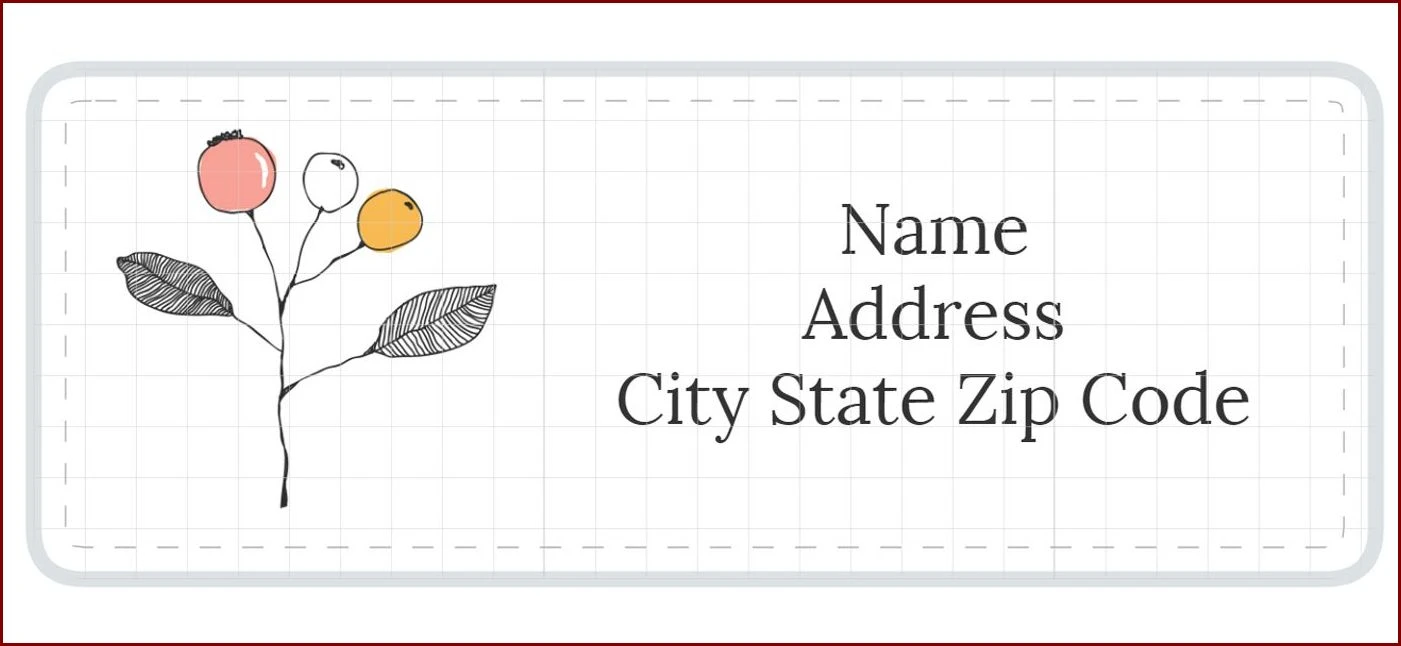
Mailing Label Template – Free Download

- Wedding Invitation Wording Template - September 27, 2026
- Free Printable Vacation Planner Template - September 27, 2026
- Free Printable Slumber Party Invitation Template - September 27, 2026
